

Next.js TypeScript TailwindCSS React
@Image Tool @Photo Editing @Web App
7 months ago
Maskify
A browser-based image masking tool for uploading masks and images, previewing results instantly on canvas, and exporting the final composition.
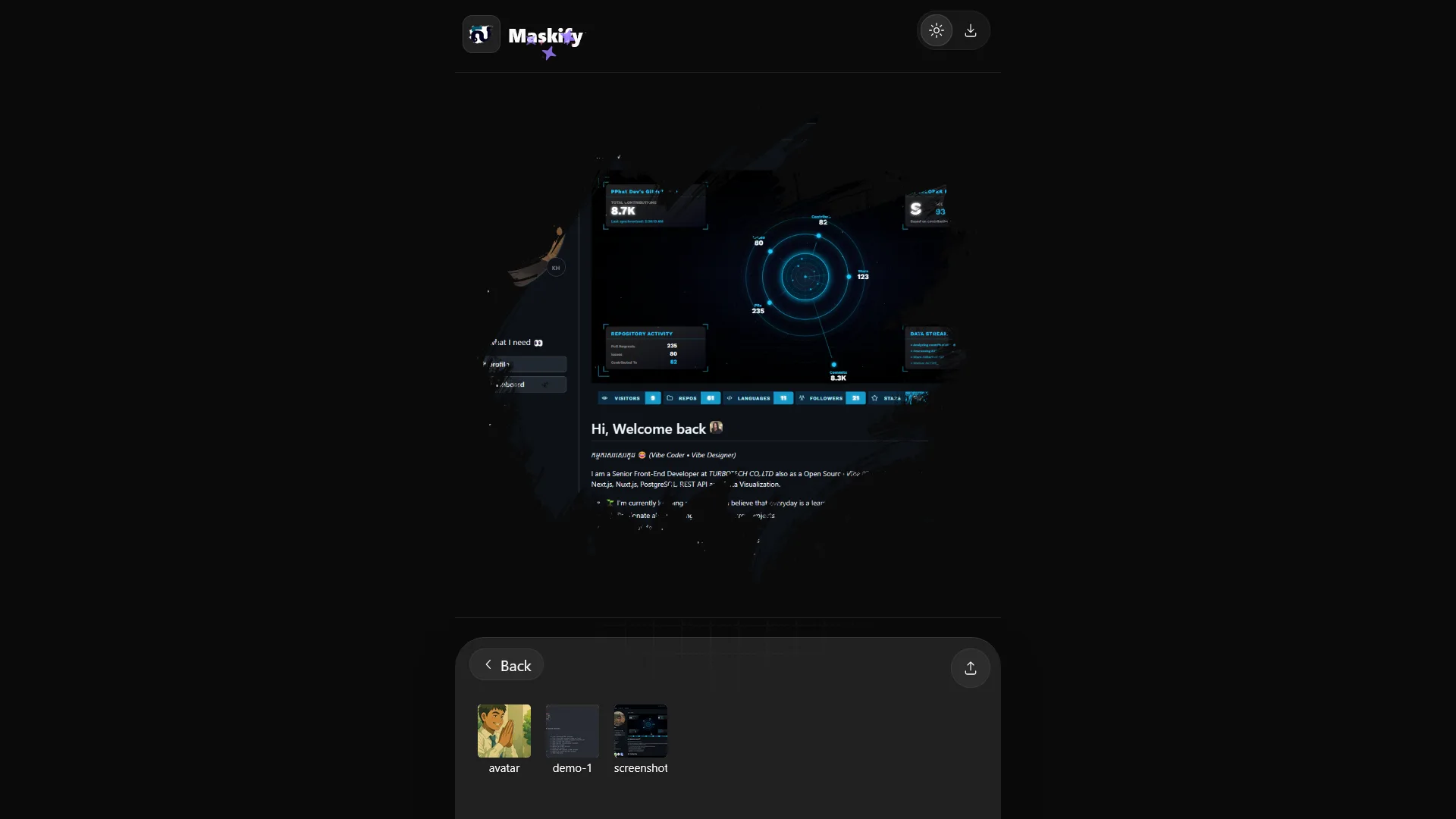
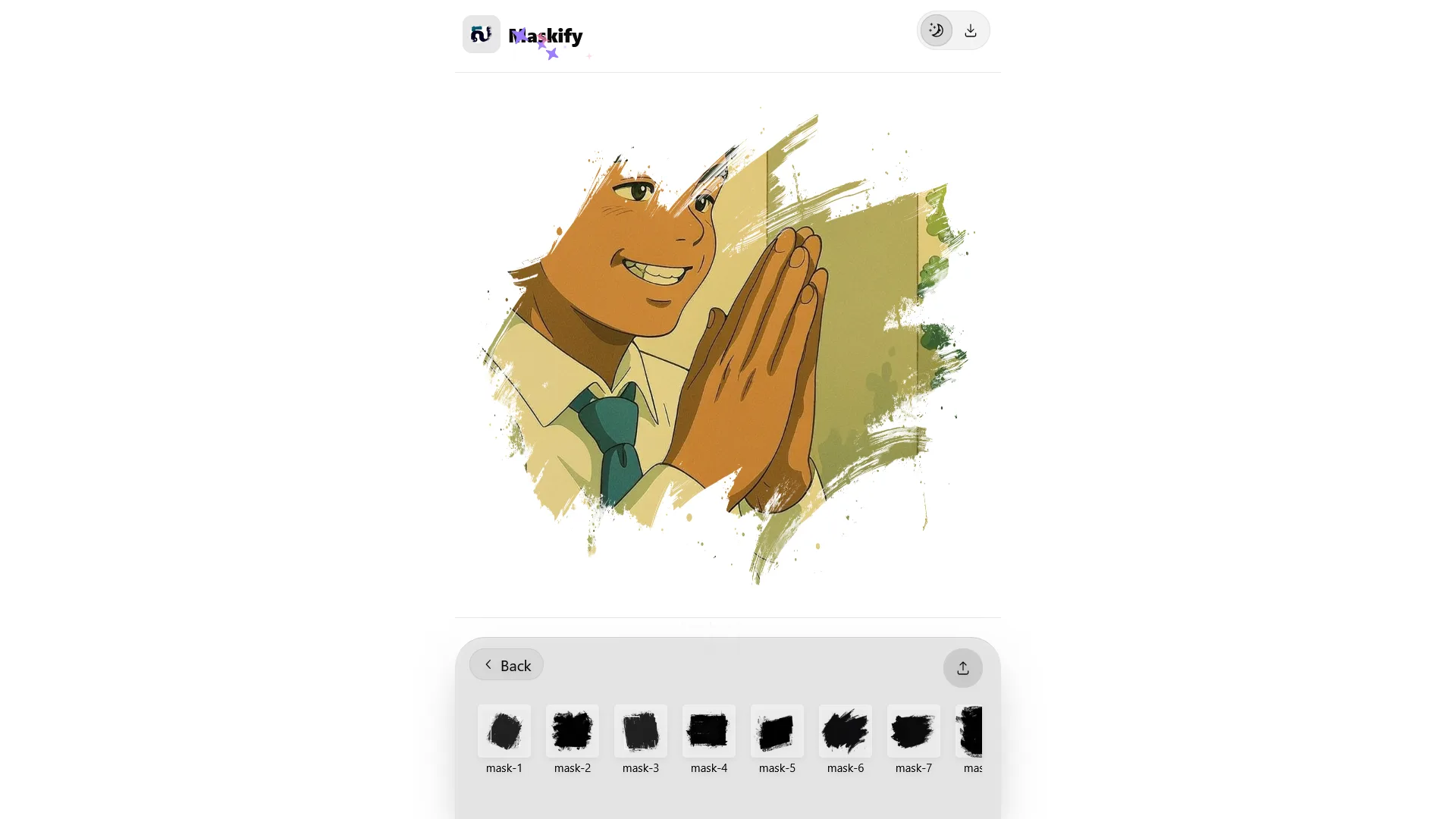
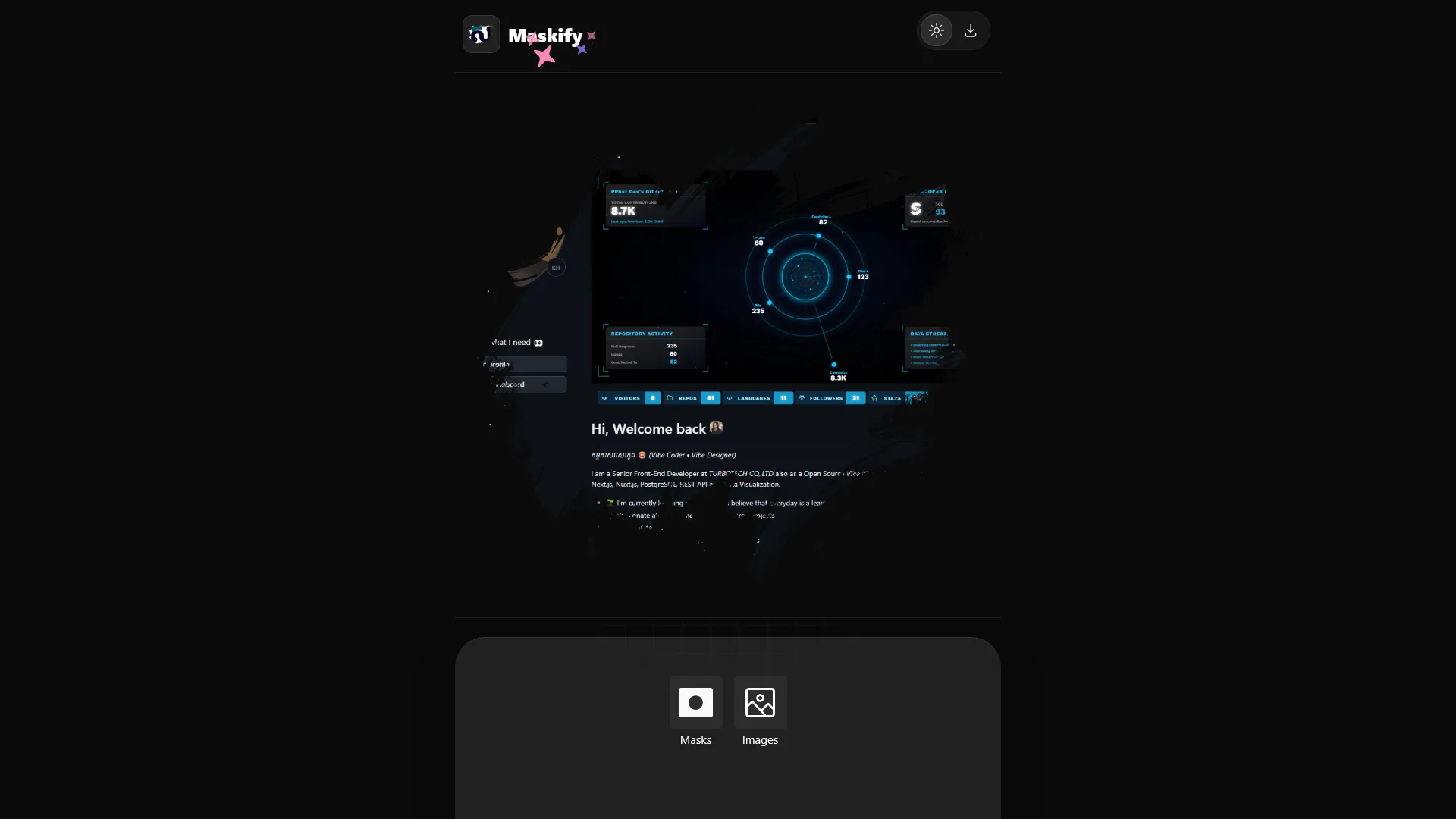
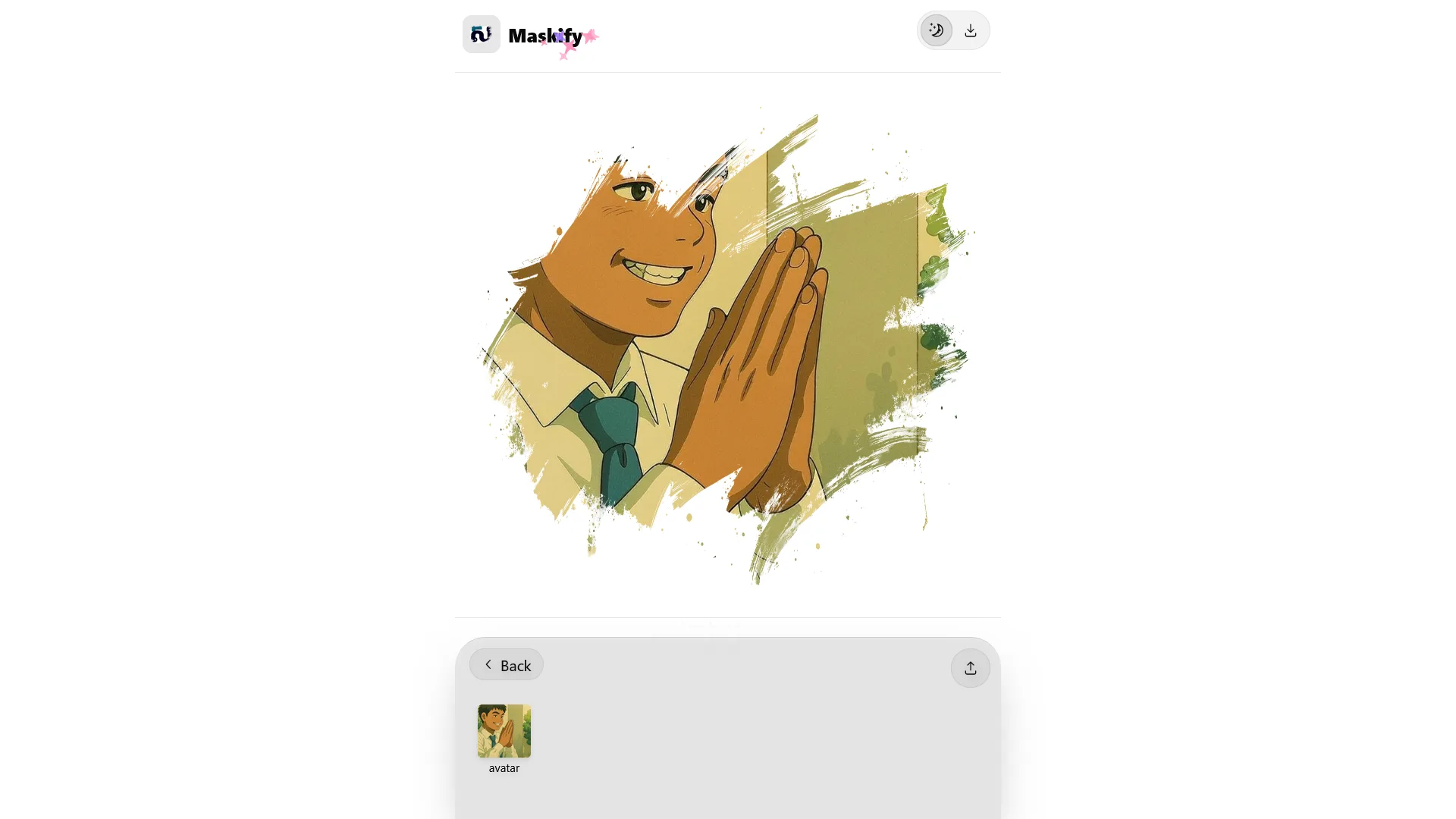
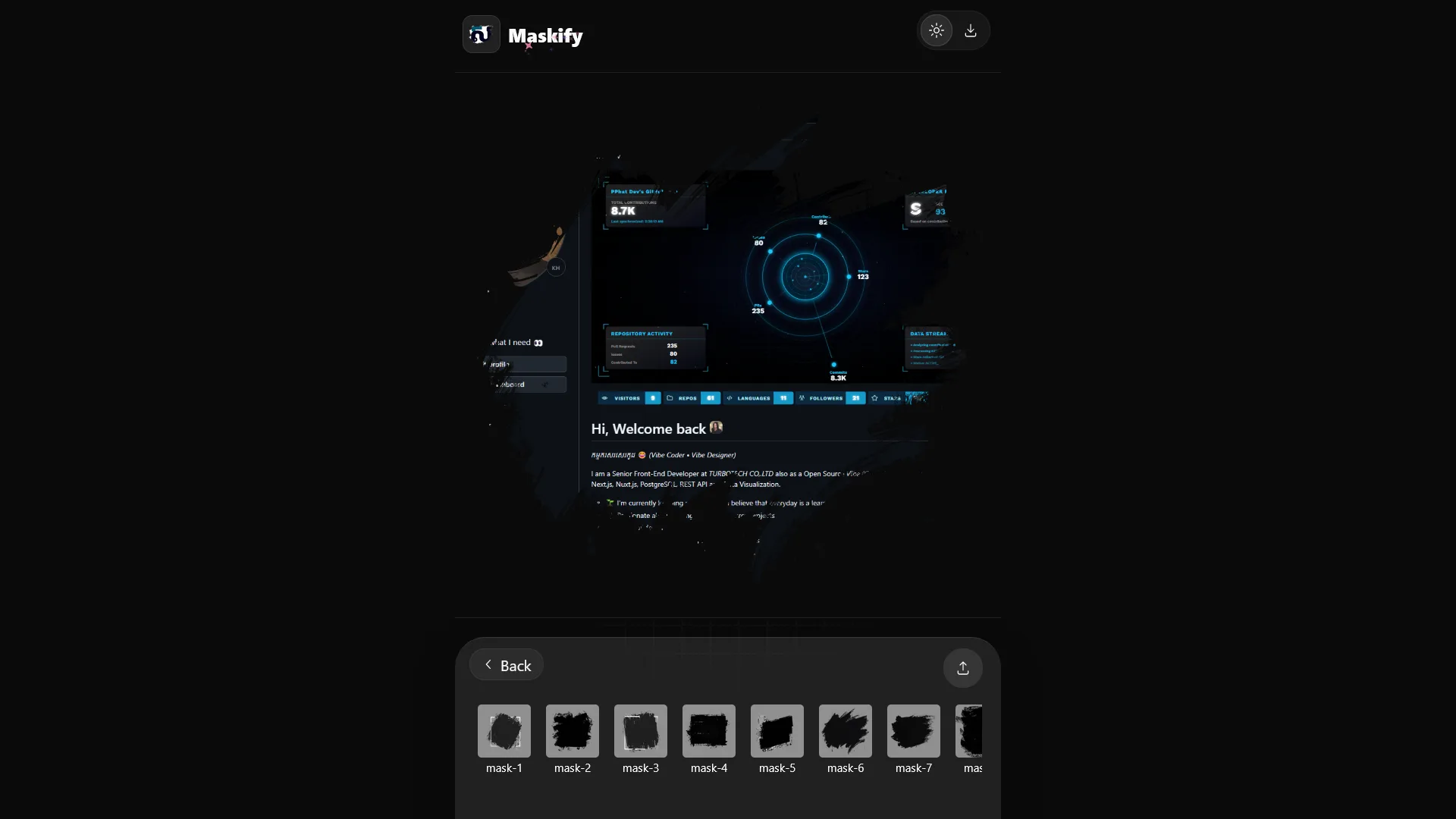
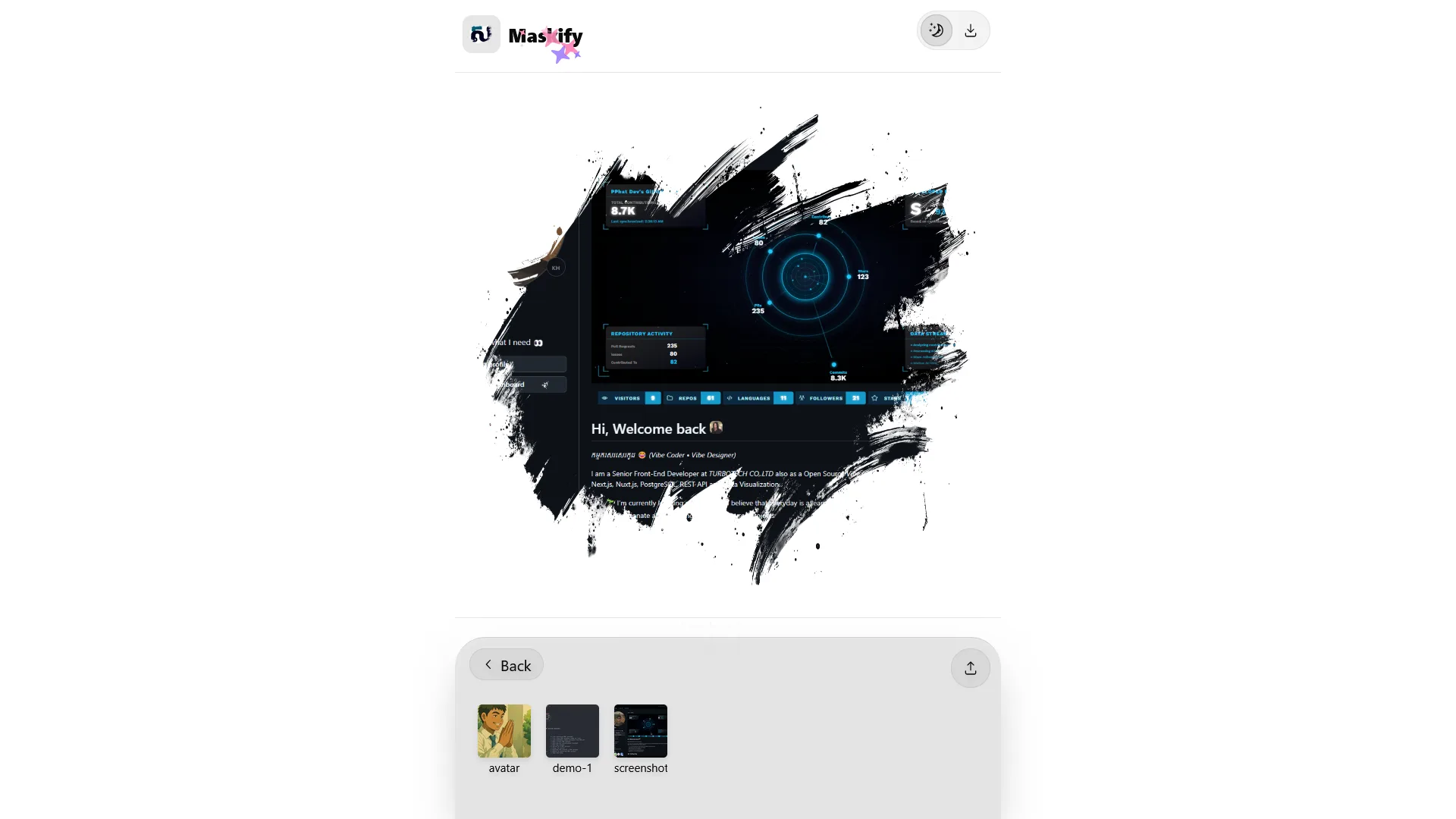
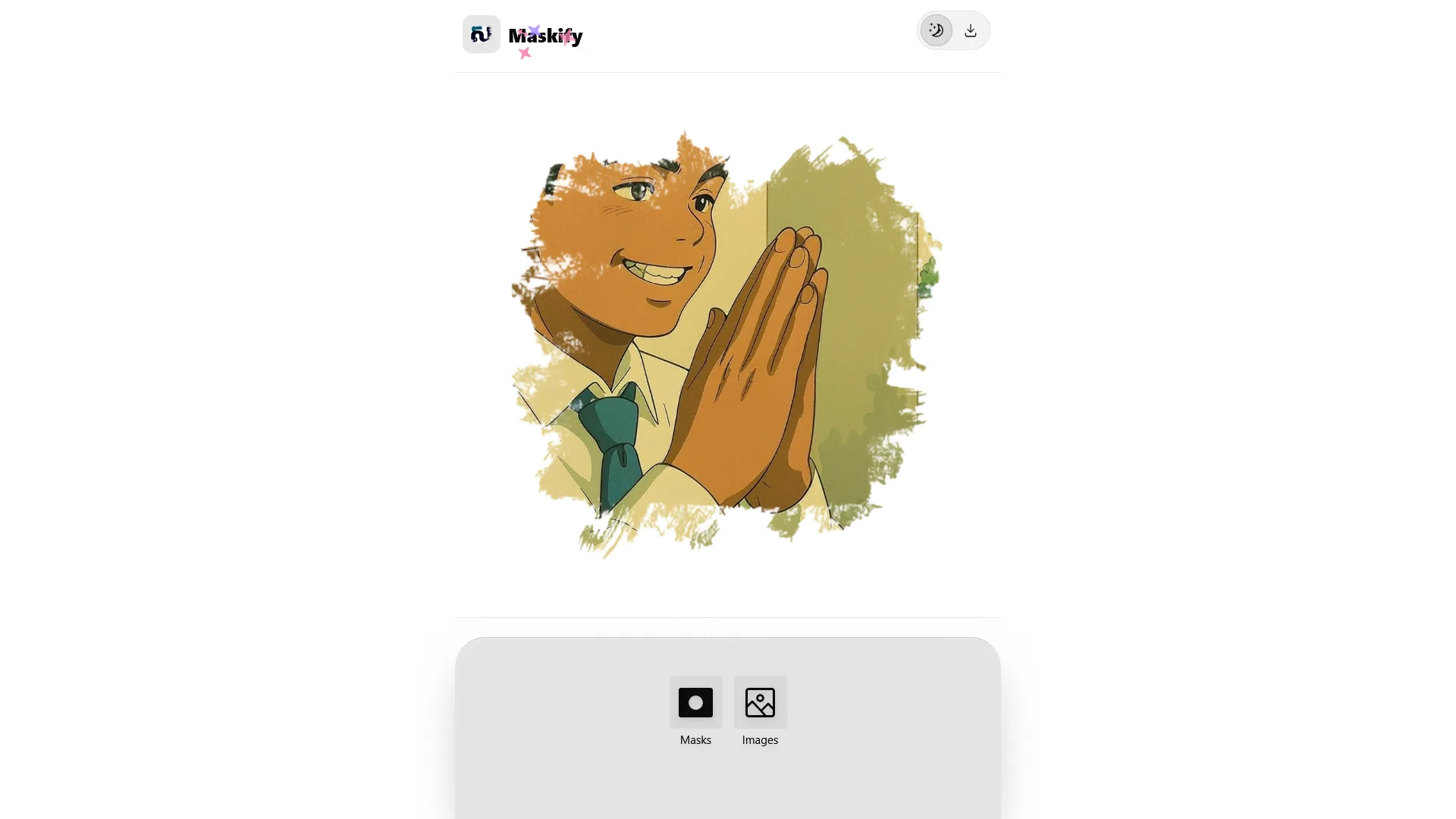
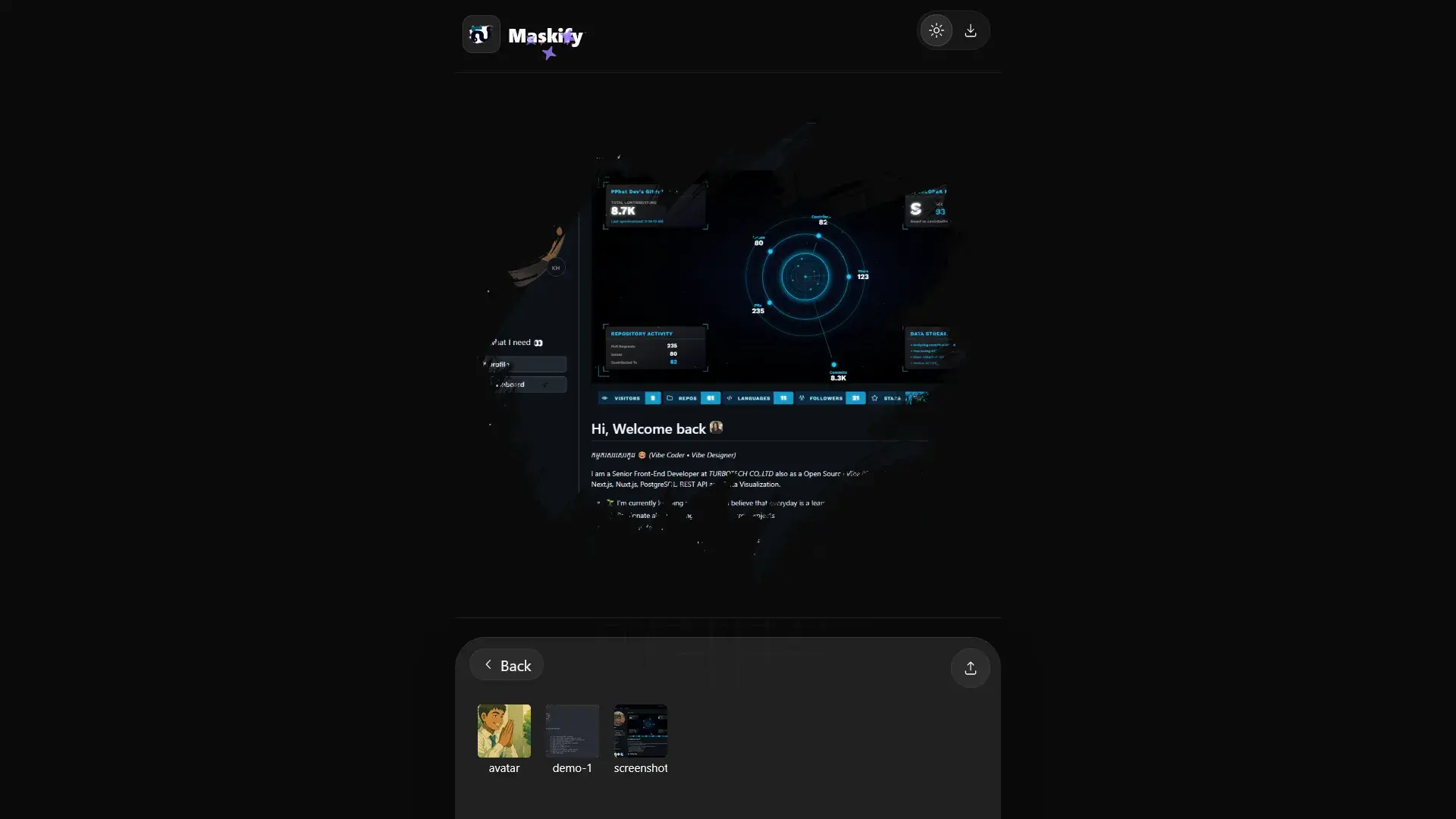
✨ About Project
Maskify is a focused web tool for quick image masking directly in the browser. Users can upload a mask, upload an image, preview the composition in real time, and download the final masked output. The app is designed for speed and simplicity, with a clean mobile-friendly interface and no account requirement. It also keeps uploaded mask and image items in browser session storage so the workflow feels seamless while editing.
🛠️ Project Tech Stack
-
Core:
- Next.js
- React
- TypeScript
-
UI & Styling:
- TailwindCSS
- Radix UI Icons
- next-themes (light/dark mode)
-
Canvas & Processing:
- HTML Canvas 2D API
- Composite masking via
destination-in - Client-side PNG export
-
Architecture:
- App Router structure
- API routes for loading example masks/images
- Session storage for uploaded assets
🌈 Project Features
- Upload custom masks and apply them instantly
- Upload custom images and keep them in the current browser session
- Preview masked output in real time on a canvas
- Built-in dark mode and light mode interface
- Fast, single-page workflow optimized for desktop and mobile
- One-click export of the final masked image
💻 How It Works
- Upload or pick a mask from the mask gallery.
- Upload or pick an image from the image gallery.
- The app draws the image and applies the mask using canvas compositing.
- Download the generated result as an image file.
💻 Preview
Here is the screenshot preview: