

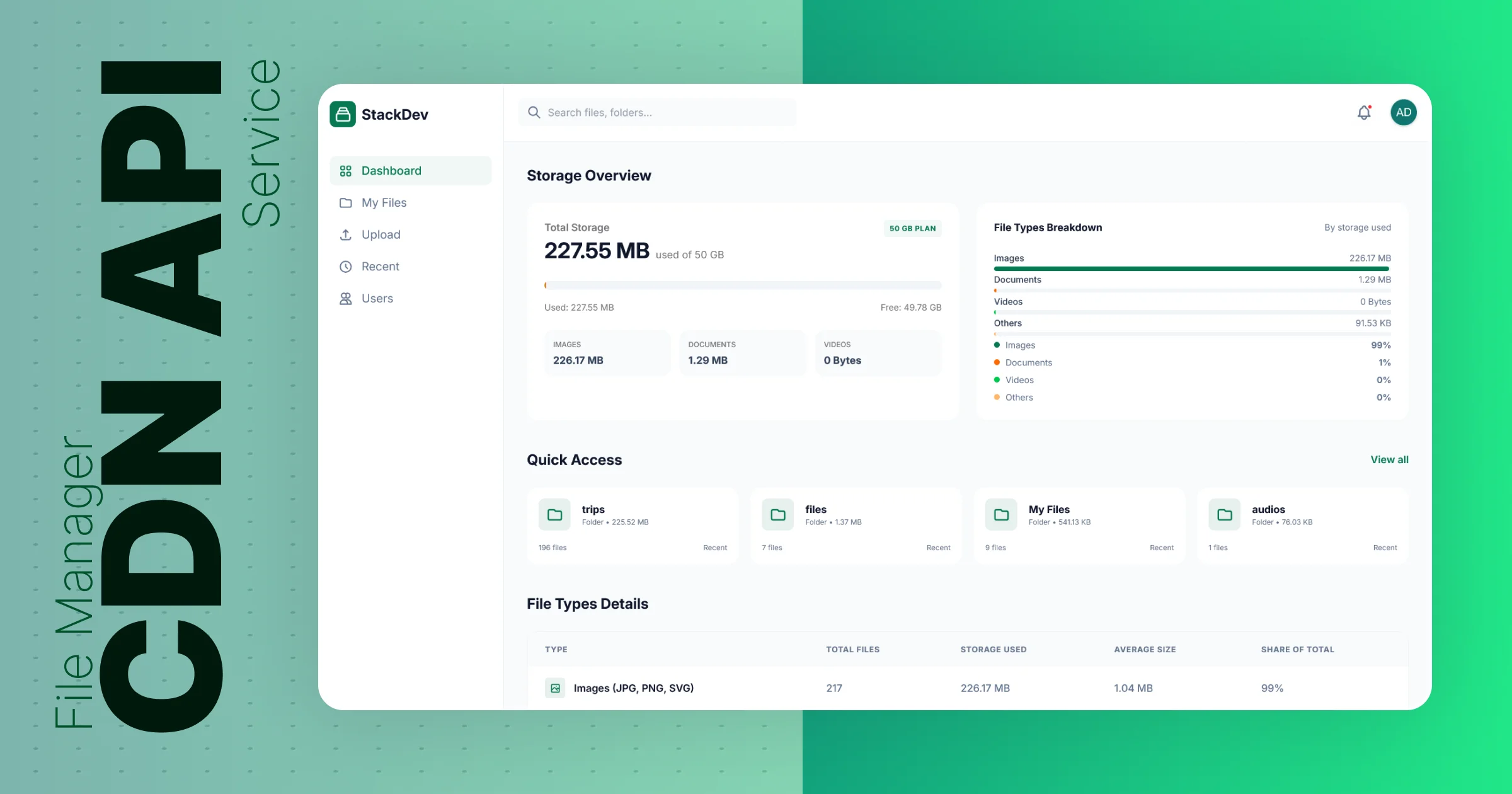
CDN API - StackDev
A high-performance CDN API for image optimization, file management, and asset delivery with JWT auth and a modern web dashboard.

✨ About Project
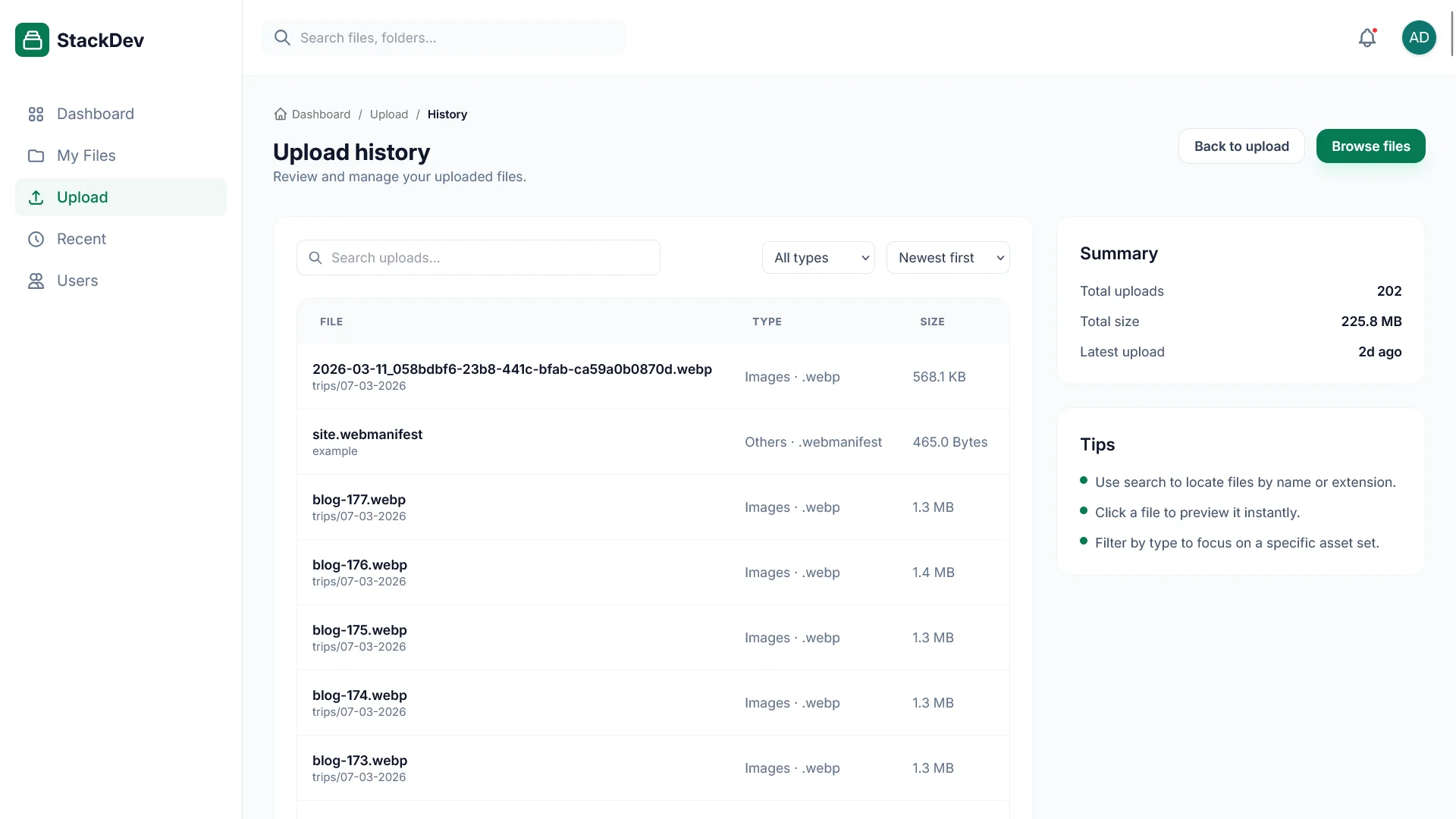
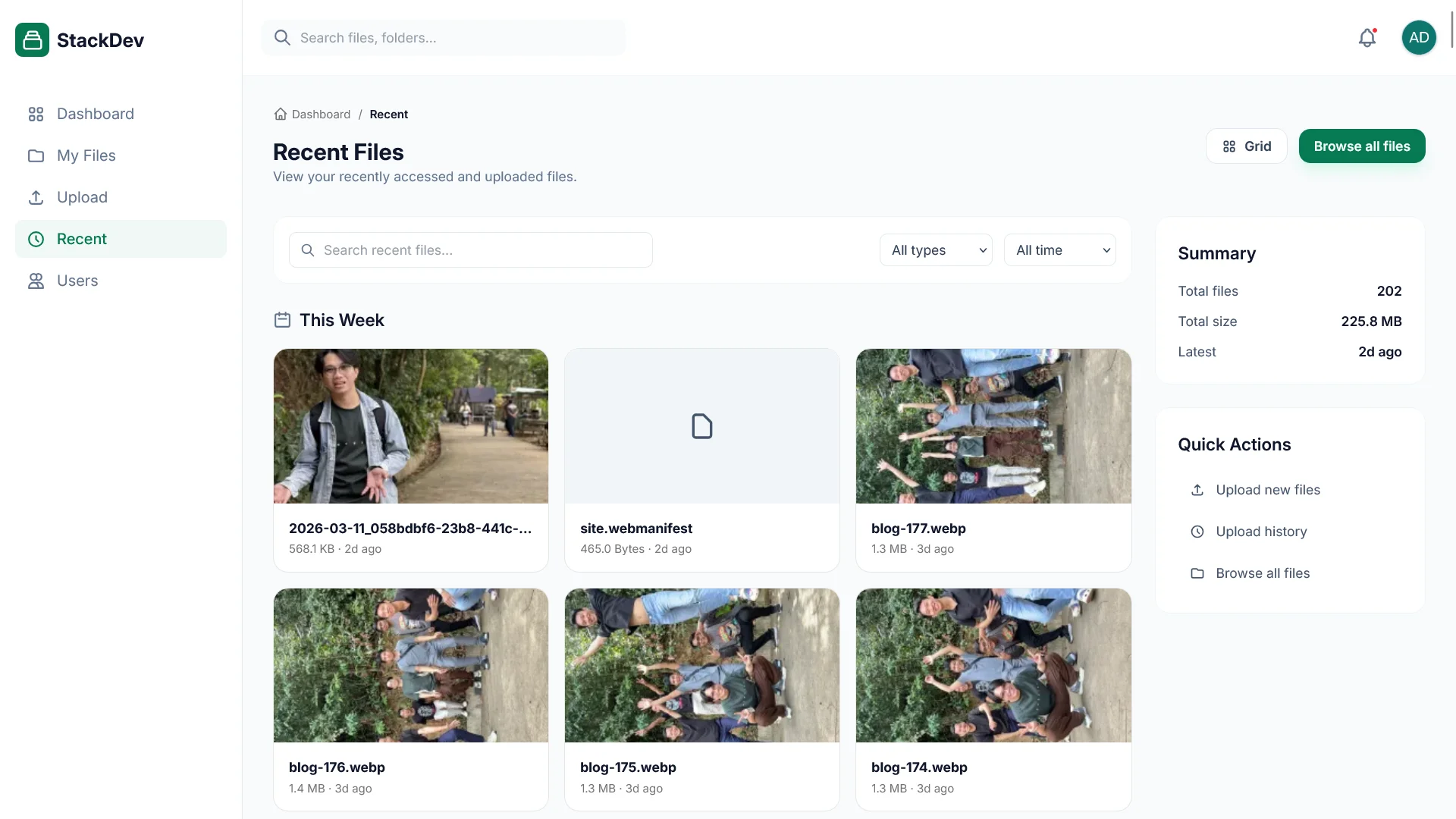
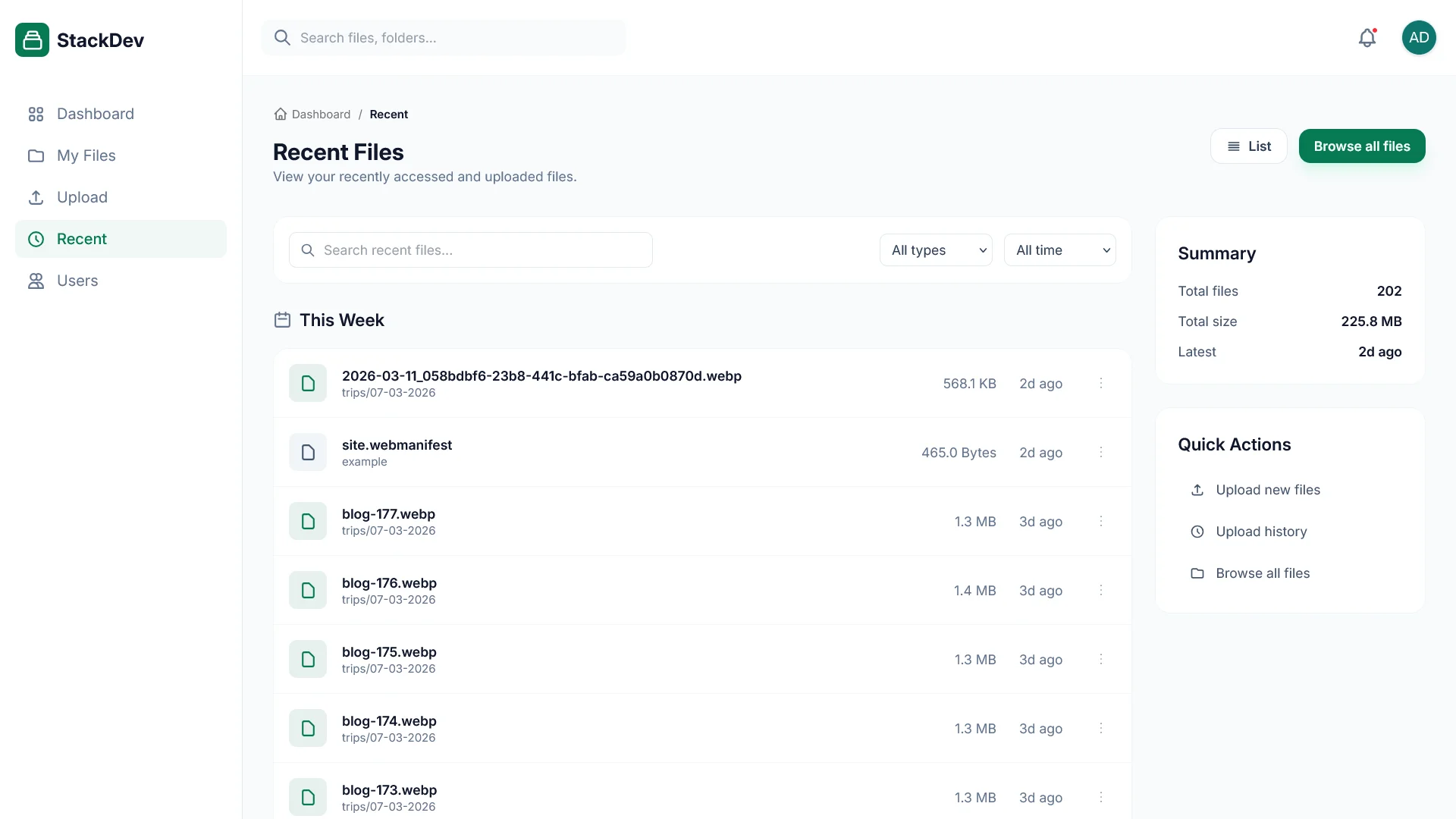
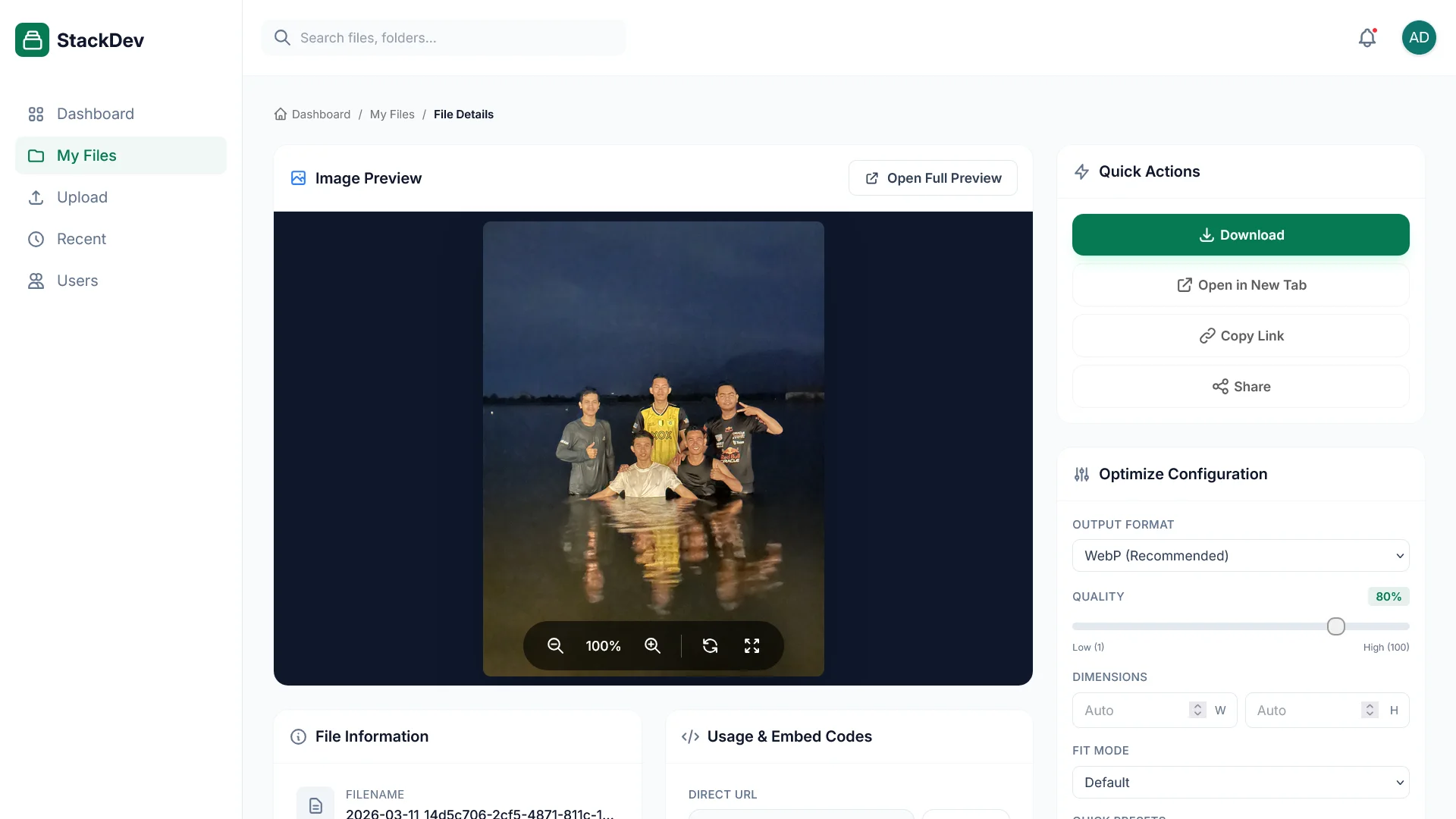
CDN API is a production-ready content delivery network service that provides intelligent image optimization, secure file storage, and efficient asset management. Built with modern web technologies, it offers both a RESTful API and a web-based dashboard for managing your digital assets.
This comprehensive service features JWT-based authentication with role-based access control, database migrations using Drizzle ORM with SQLite, high-performance image processing with Sharp, and a beautiful web interface built with EJS and Tailwind CSS. The system includes rate limiting, CORS protection, session management, and complete audit logging for security compliance.
🛠️ Project Tech Stack
-
Backend:
- Express.js
v5.xwith TypeScript - Drizzle ORM with SQLite (Better-SQLite3)
- JWT Authentication with bcrypt
- TypeScript
v5.x
- Express.js
-
Image & Document Processing:
- Sharp (High-performance image optimization)
- Puppeteer (PDF generation & document previews)
- TIFF.js (TIFF image handling)
- Multer (File upload handling)
-
Security & Performance:
- Express Rate Limiting
- CORS Protection
- Session Management
- Security Audit Logging
- IPv6 Support
-
Frontend & UI:
- EJS Templating
- Tailwind CSS
v4.x - Modern Responsive Design
- File Browser Interface
-
Database:
- SQLite Database
- Drizzle ORM
- Migration System
- Seed Data Support
- Drizzle Studio
-
Development:
- ts-node with hot reload
- PostCSS
- ESLint
- Docker Support
- PM2 Process Manager
🌈 Project Features
🖼️ Image Management
- Intelligent Optimization with automatic compression
- Multi-format Support (JPEG, PNG, WebP, AVIF, GIF, TIFF)
- Responsive Images generation
- Built-in image caching
- EXIF metadata extraction
📁 File Management
- Secure validated uploads
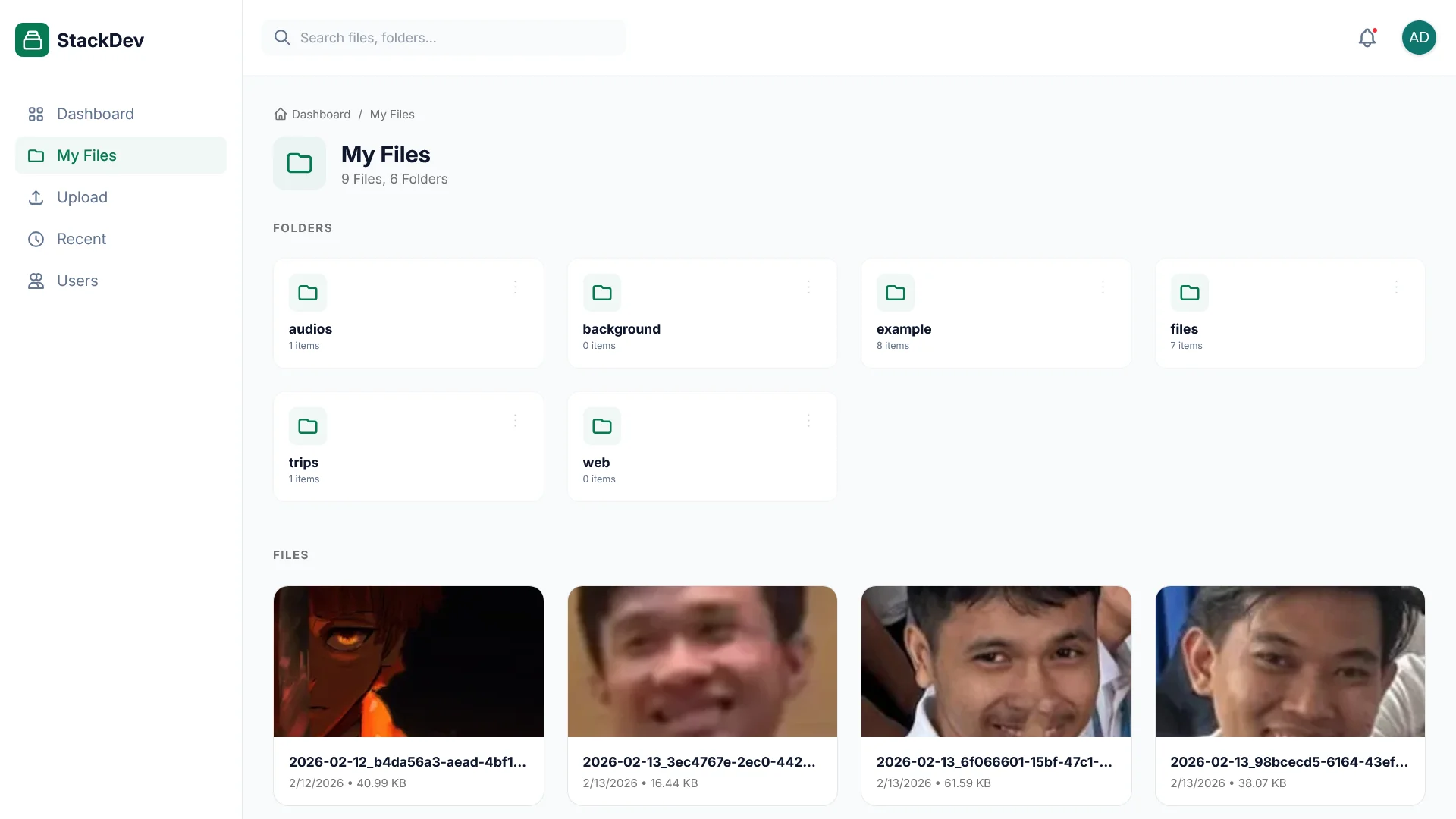
- Hierarchical folder structure
- File operations (move, delete, rename, search)
- Document preview generation
- Complete upload tracking with audit trail
- Metadata storage in database
🔐 Authentication & Security
- JWT-based authentication
- Role-based access (Admin, User, Viewer)
- Session tracking with refresh tokens
- Account lockout after failed attempts
- Complete authentication audit trail
- Password security with bcrypt
💾 Database Features
- SQLite with Drizzle ORM
- Type-safe queries with TypeScript
- Timestamp-based migration tracking
- Database seeding for demo data
- Built-in Drizzle Studio
- Schema export for documentation
🎨 Web Dashboard
- Authentication login page
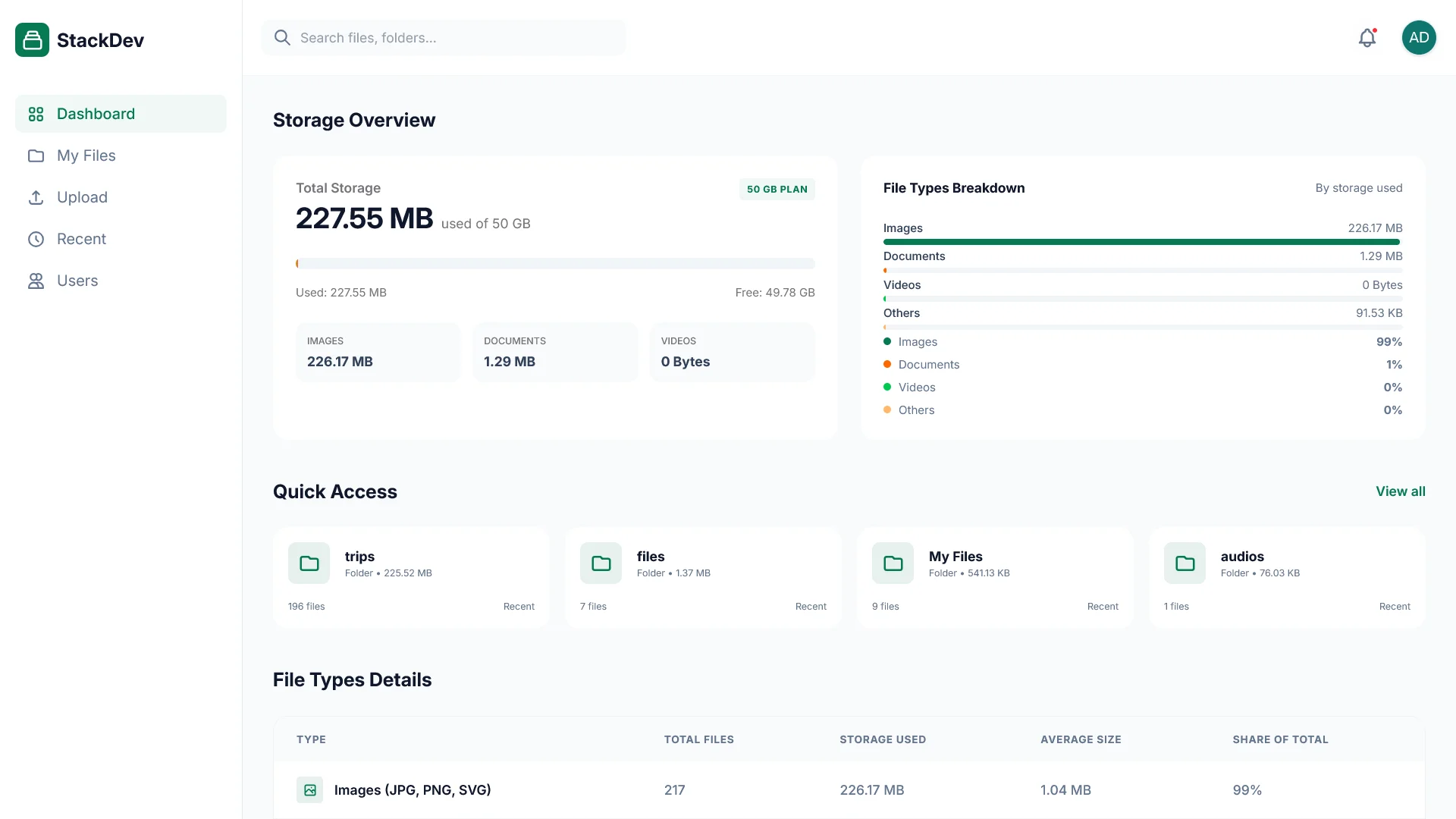
- Storage usage overview
- Visual file browser with breadcrumb navigation
- Starred files and recent items
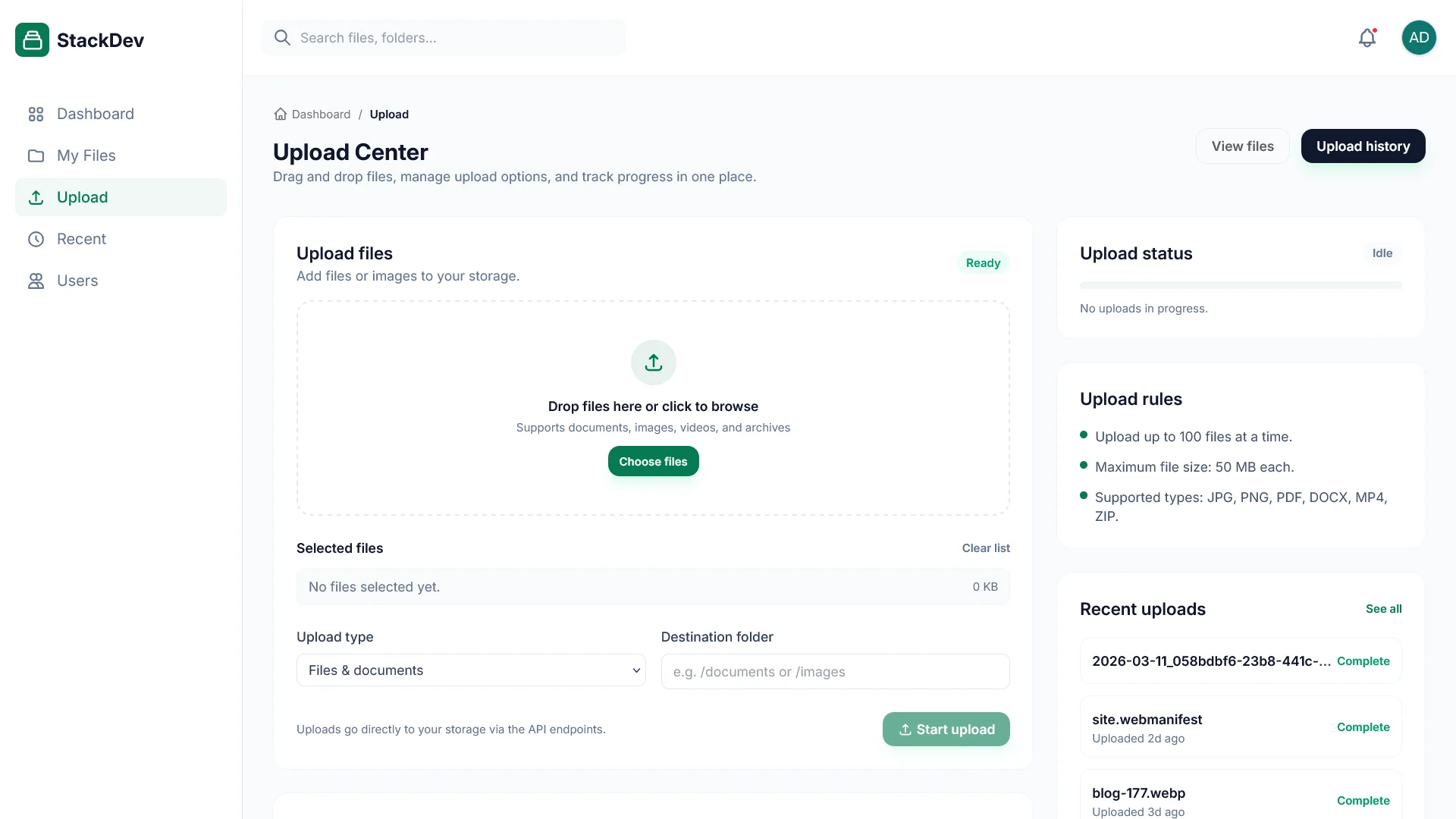
- User-friendly upload interface with progress
- Upload history tracking
- User management (Admin interface)
- Powerful search capabilities
- Fully responsive mobile-friendly design
📊 Monitoring & Analytics
- Real-time storage statistics
- File type analysis breakdown
- Largest files tracking
- Performance metrics monitoring
🔒 Security & Performance
- Configurable rate limiting for all endpoints
- CORS protection with pattern-based access
- Full IPv4/IPv6 compatibility
- Comprehensive request validation
💻 API Endpoints
Authentication Endpoints
POST /api/auth/login- User login (rate limited)POST /api/auth/logout- Logout current sessionPOST /api/auth/logout-all- Logout all sessionsGET /api/auth/me- Get current user infoPOST /api/auth/me/avatar- Upload user avatar
Image Endpoints
POST /api/image/upload- Upload images (rate limited)GET /api/image/assets/:filename- Retrieve optimized images with query parameters (format, quality, width, height, fit)
File Endpoints
POST /api/file/upload- Upload files (rate limited)GET /api/file/search- Search files by namePUT /api/file/move- Move files/foldersDELETE /api/file/delete- Delete filesGET /api/file/download/*- Download filesGET /api/file/preview/*- Preview documents
Storage & Database
GET /api/storage- Full storage statisticsGET /api/storage/summary- Quick storage summaryGET /api/database/files- Get files databaseGET /api/database/stats- Database statisticsGET /api/database/search- Search databasePOST /api/database/backup- Backup database
User Management (Admin)
GET /api/auth/users- List all usersPOST /api/auth/users- Create new userPUT /api/auth/users/:id- Update userDELETE /api/auth/users/:id- Delete user
🚀 Installation & Setup
# Clone the repository
git clone https://github.com/pphatdev/cdn.api.pphat.stackdev.cloud
cd cdn.api.pphat.stackdev.cloud

# Install dependencies
npm install

# Configure environment
cp env.json.example env.json
# Edit env.json with your configuration

# Initialize database
npm run migrate:up

# (Optional) Seed demo data
npm run seed

# Run in development mode
npm run dev
Default Admin Credentials
- Username:
admin - Password:
admin123 - Email:
admin@stackdev.cloud
⚠️ Important: Change the admin password immediately after first login!
📦 Available Scripts
# Development server with hot reload
npm run dev

# Production server
npm start

# Build TypeScript
npm run build

# Database migrations
npm run migrate:up          # Run all pending migrations
npm run migrate:down        # Rollback last migration
npm run migrate:status      # Check migration status
npm run migrate:create "name"  # Create new migration

# Database seeds
npm run seed                # Run all seed files
npm run seed:create "name"  # Create new seed file

# Drizzle Studio
npm run db:studio          # Open Drizzle Studio

# CSS Build
npm run build:css          # Build Tailwind CSS
npm run css               # Watch CSS changes
🚢 Deployment
Production Build
npm ci --production=false
npm run build
npm start
Docker Deployment
docker build -t cdn-api .
docker run -d -p 3000:3000 -v $(pwd)/storage:/app/storage -v $(pwd)/env.json:/app/env.json --name cdn-api cdn-api
PM2 Process Manager
pm2 start dist/app.js --name cdn-api
pm2 startup
pm2 save
💡 Key Highlights
- High Performance: Built with Express.js 5.x and Sharp for lightning-fast image processing
- Type Safety: Full TypeScript support throughout the codebase
- Modern Database: Drizzle ORM with SQLite for type-safe queries and migrations
- Production Ready: Includes authentication, authorization, rate limiting, and audit logging
- Developer Friendly: Hot reload, Drizzle Studio, comprehensive API documentation
- Secure by Default: JWT authentication, bcrypt password hashing, session management
- Fully Featured Dashboard: Beautiful web interface for managing all assets
- API First: RESTful API design with comprehensive endpoint coverage
📚 Documentation
The project includes comprehensive documentation:
- API endpoint documentation in
docs/how-to-use/ - Postman collection in
docs/collections/ - Migration guide for database management
- Complete README with setup instructions