

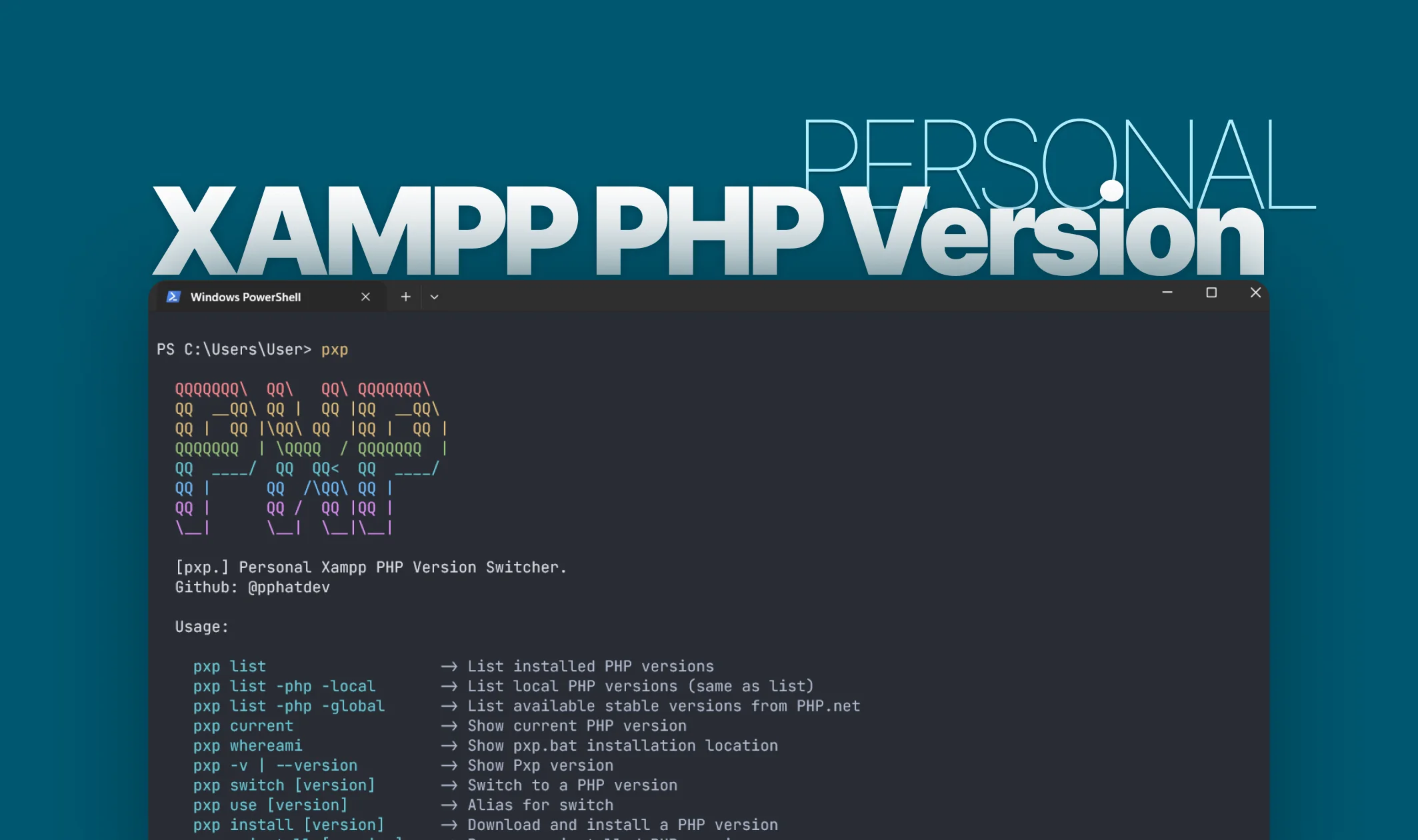
pxp - PHP Version Switcher for XAMPP
A simple yet powerful CLI tool to manage multiple PHP versions in XAMPP on Windows. Switch between PHP versions instantly with automatic Apache configuration.
✨ About Project
PXP (Personal XAMPP PHP) is a simple yet powerful CLI tool to manage multiple PHP versions in XAMPP on Windows. Built for developers who need to test their applications across different PHP versions, PXP makes version switching effortless. With just a single command, you can switch between PHP 7.x and 8.x versions, download new versions automatically, and manage your PHP installations safely. The tool handles all the complexity of Apache configuration updates, module naming conventions, and service management, ensuring smooth transitions between versions.
🛠️ Project Tech Stack
-
Core:
- PowerShell
5.1+ - Windows Batch Files
- .NET SDK
6.0+(for MSI installer)
- PowerShell
-
Dependencies:
- XAMPP (Windows)
- Windows
10/11 - Apache
2.4
-
Distribution:
- MSI Installer (WiX Toolset)
- GitHub Releases
- Manual Installation
🌈 Project Features
- 🔄 Instant Version Switching - Switch between PHP versions with a single command
- 📦 Automatic Downloads - Install new PHP versions directly from windows.php.net
- 🗑️ Safe Uninstall - Remove PHP versions with confirmation and validation
- 📋 Version Listing - View all installed PHP versions with active version indicator
- 🌐 Global PHP Discovery - Fetch available stable PHP versions from PHP.net
- ⚡ Auto Apache Config - Automatic Apache configuration and module updates
- 🛡️ Safe Backups - Automatic backups before switching versions
- 🚀 Service Management - Automatic Apache stop/start during version switching
- 📦 MSI Installer - Easy installation with automatic PATH configuration
- 🔧 Git Bash Support - Compatible with Windows terminals and Git Bash
💻 Key Commands
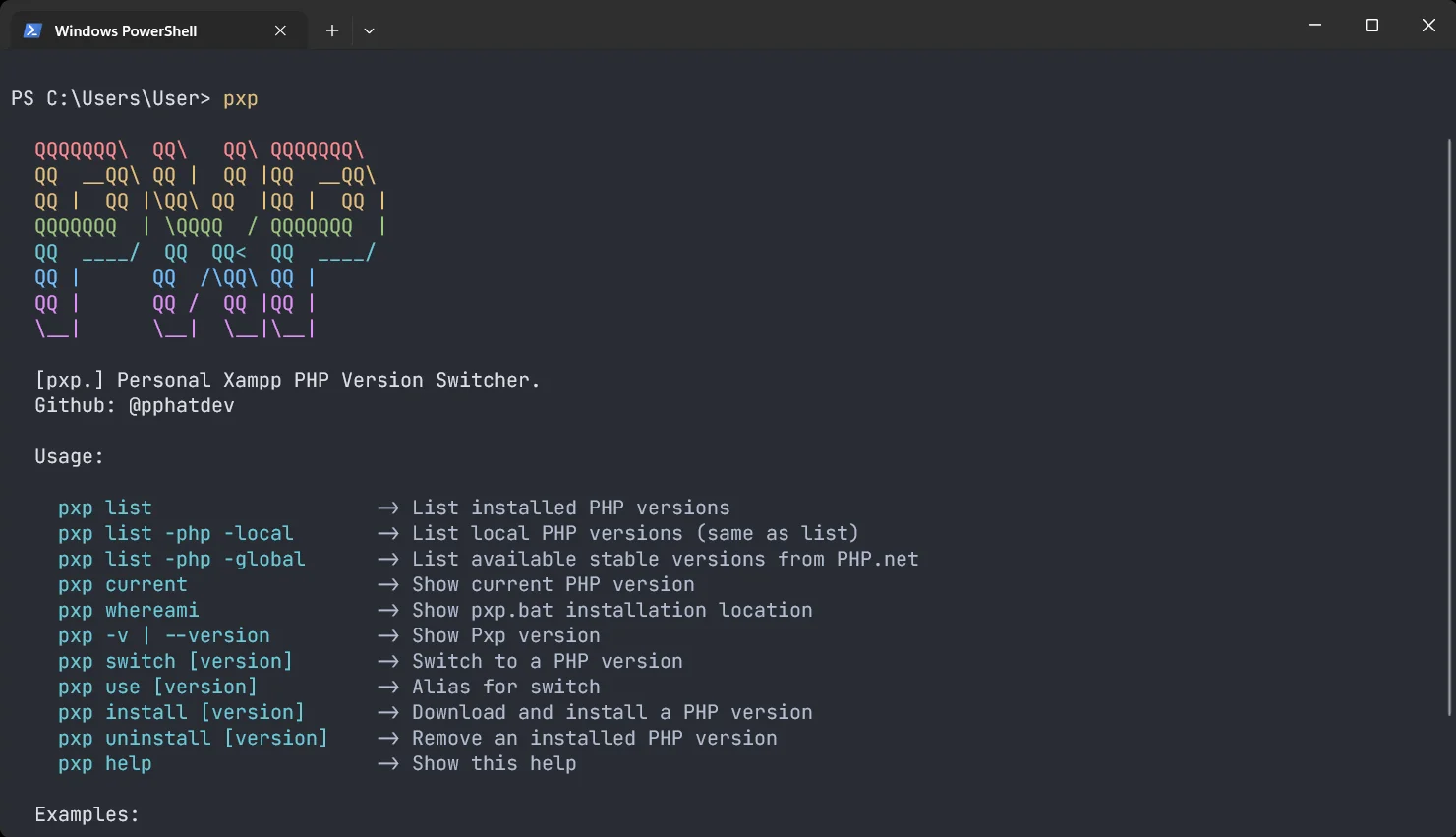
Here are the main commands available in PXP:
Version Management
# Show PXP version
pxp -v

# List installed PHP versions
pxp list

# Show current active PHP version
pxp current

# Switch to a different PHP version
pxp switch 8.3.15

# List all available PHP versions globally
pxp list -php -global
Installation & Uninstallation
# Download and install a new PHP version
pxp install 8.3.6

# Uninstall a PHP version
pxp uninstall 8.0.30

# Get help
pxp help
How It Works
| Component | Description |
|---|---|
| Directories | PHP versions are stored as C:\xampp\php{version}\. The active one is always C:\xampp\php\. |
| Apache Config | httpd-xampp.conf is updated to load the correct php7apache2_4.dll or php8apache2_4.dll. |
| Module Name | PHP 7.x uses php7_module, PHP 8.x uses php_module (XAMPP convention). |
| Backup | A backup of httpd-xampp.conf.bak is created on first switch. |
| Services | Apache is automatically stopped before switching and restarted after configuration updates. |
🎯 Installation
Option 1: MSI Installer (Recommended)
Download the latest MSI installer from GitHub Releases and run it. The installer will automatically add pxp to your PATH.
Option 2: Manual Installation
- Clone the repository:
git clone https://github.com/pphatdev/pxp-cli.git
-
Add the folder to your system PATH:
- Settings → System → About → Advanced system settings
- Environment Variables → Path → New
- Add the full path to where you cloned/extracted the files
-
Open a new terminal and run:
pxp help
📚 Documentation
- 📘 README - Getting started and basic usage
- 🔧 Troubleshooting Guide - Common issues and solutions
- 🤝 Contributing Guide - How to contribute
- 👨💻 Development Guide - Technical documentation
- 🔒 Security Policy - Security best practices
- 📝 Changelog - Version history
🔧 Requirements
- Windows 10/11 - Required for PowerShell support
- XAMPP - Installed at
C:\xampp(default location) - PowerShell 5.1+ - Pre-installed on Windows 10/11
- .NET SDK 6.0+ - Only needed for building the MSI installer
🤝 Contributing
Contributions are welcome! Here's how you can help:
- 🐛 Report bugs - Open an issue
- 💡 Suggest features - Request a feature
- 🔀 Submit pull requests - Read the contributing guide
- 📝 Improve documentation - Help make docs better
- ⭐ Star the repository - Show your support
📄 License
MIT © pphatdev
Made with 😧 to resolve PHP version switching issues
Version: 1.3.1
Last Updated: March 2026
GitHub: pphatdev/pxp-cli